Why Page Speed Is Costing You Customers (And How to Fix It)

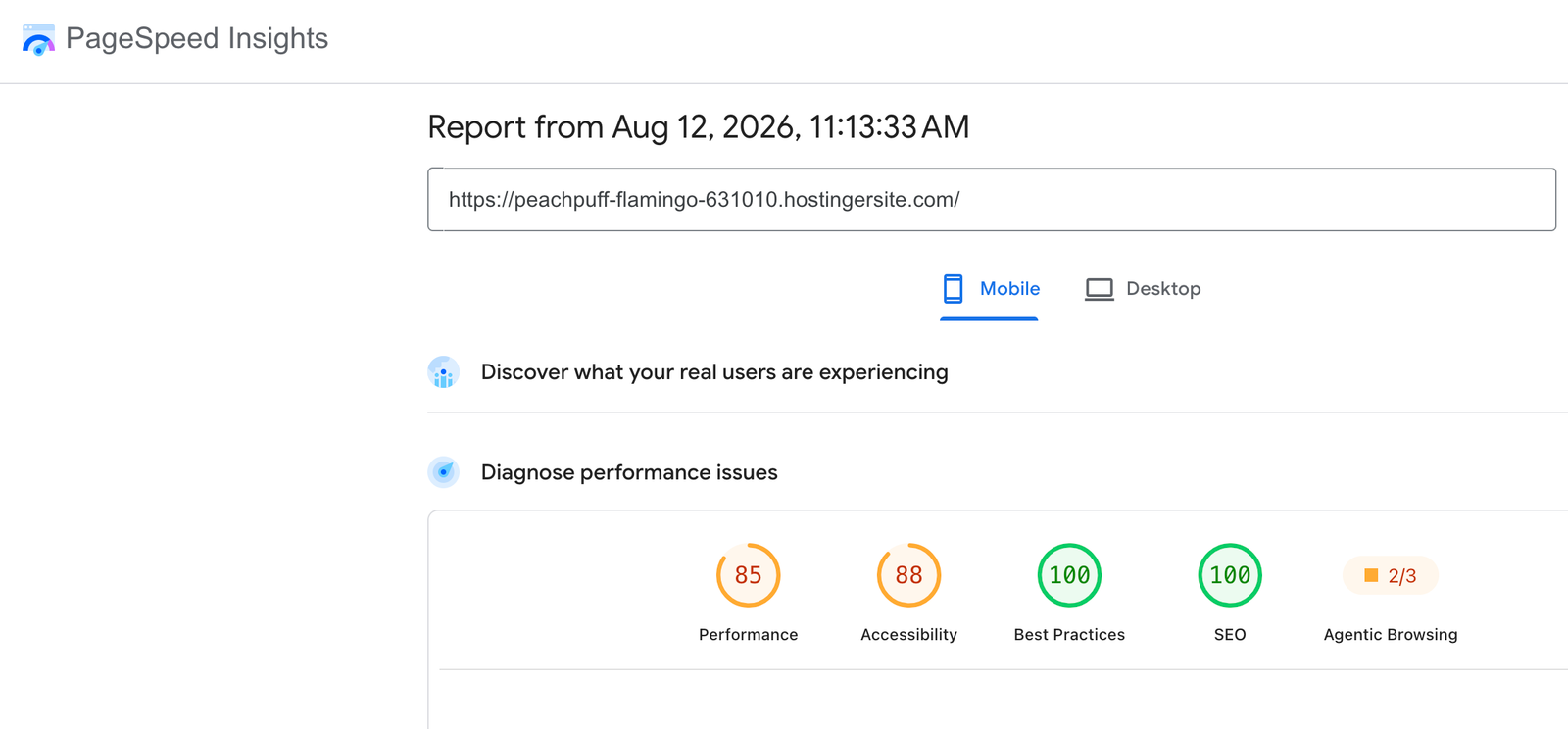
Most business owners think of website speed as a technical detail — something for developers to worry about, not something that affects sales. The data says otherwise: a one-second delay in page load time can reduce conversions by around 7%, and over half of visitors leave a mobile page that takes more than three seconds to load.
The good news is that speed problems usually come down to a short list of repeat offenders: unoptimized images, too many active plugins, and no caching layer. Images are almost always the biggest one — a single unoptimized photo can weigh more than the rest of the page combined. Compressing images before upload, and serving them in modern formats like WebP, typically cuts load time more than any other single change.
Caching is the second lever. Every time a visitor loads your site, the server has to rebuild the page from scratch unless a cached version is ready to serve instantly. A properly configured cache can cut load times dramatically without touching a single line of design.
The last piece is discipline: every plugin you add is another request your server has to process. A lean site with five well-chosen plugins will almost always outperform a bloated one with twenty, regardless of how good the hosting is.
If you’re not sure where your site currently stands, running a free speed test is the first step — it tells you exactly which of these three areas needs attention first, instead of guessing.